
.webp)
.png)
Core components of autonomous AI agents: How to create an AI agent step-by-step
An autonomous AI agent functions by combining a large language model (LLM) with specialized tools and memory modules to execute multi-step workflows without constant human intervention. To build one, you must integrate a reasoning engine, a defined toolset, and a structured memory architecture that allows the system to track progress toward a specific goal.
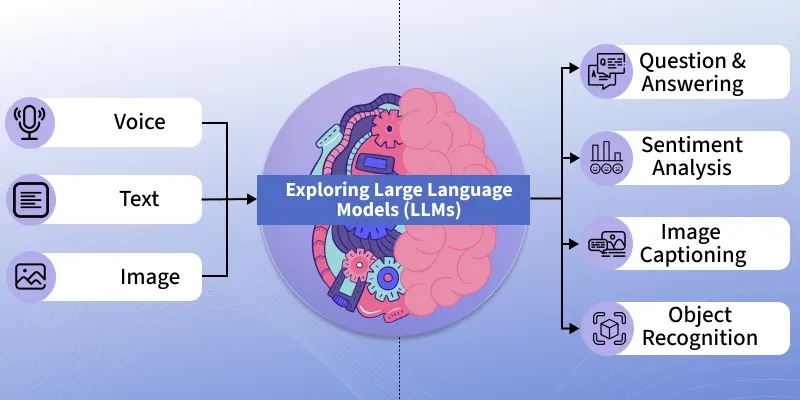
LLM as the reasoning engine for task execution
The LLM serves as the agent's brain, responsible for decomposing complex objectives into actionable sub-tasks. When choosing a model, evaluate the balance between reasoning capability and latency.
For complex logical workflows, models like Claude 3.5 Sonnet or GPT-4o excel at following intricate instructions and maintaining chain-of-thought accuracy. If your agent requires high-frequency execution with lower costs, smaller models like Llama 3.1 8B or GPT-4o-mini often provide sufficient performance for standard data processing tasks.
The critical factor is the model's ability to handle function calling. Your chosen LLM must reliably output structured JSON formats that your software environment can parse to trigger external APIs or internal functions. Always test your prompt templates against the specific model's system instruction capabilities to ensure it adheres to the defined operational constraints.
Memory management for context retention through short-term buffers and long-term vector storage
Effective AI agents explained require two distinct memory layers to avoid losing track of task states. Short-term memory acts as a rolling buffer, typically consisting of the last 10 to 20 turns of conversation or task history stored directly within the model's context window. This allows the agent to maintain immediate situational awareness during a single execution cycle.
Long-term memory requires a vector database, such as Pinecone, Weaviate, or ChromaDB, to store historical data, user preferences, or past task outcomes. When the agent encounters a new query, it performs a semantic search against this vector store to retrieve relevant information. By converting documents or logs into embeddings, the agent can reference vast amounts of data that would otherwise exceed the LLM's context window, enabling it to perform tasks based on historical context rather than just the immediate prompt.
Defining the agent scope and toolset
Before writing code, define the specific domain your AI agent will operate within. An agent with a narrow scope performs significantly better than a general-purpose bot. Start by identifying the primary task—such as lead qualification, automated data entry, or customer support triage—and list the specific data sources or software platforms the agent must access to complete that task.
Create a constraints document that outlines what the agent is explicitly forbidden from doing. For instance, if you are building an AI marketing agent, restrict it from issuing refunds or modifying pricing structures without human approval. This prevents the agent from hallucinating actions outside its authorized operational boundaries.
Function calling and API integration
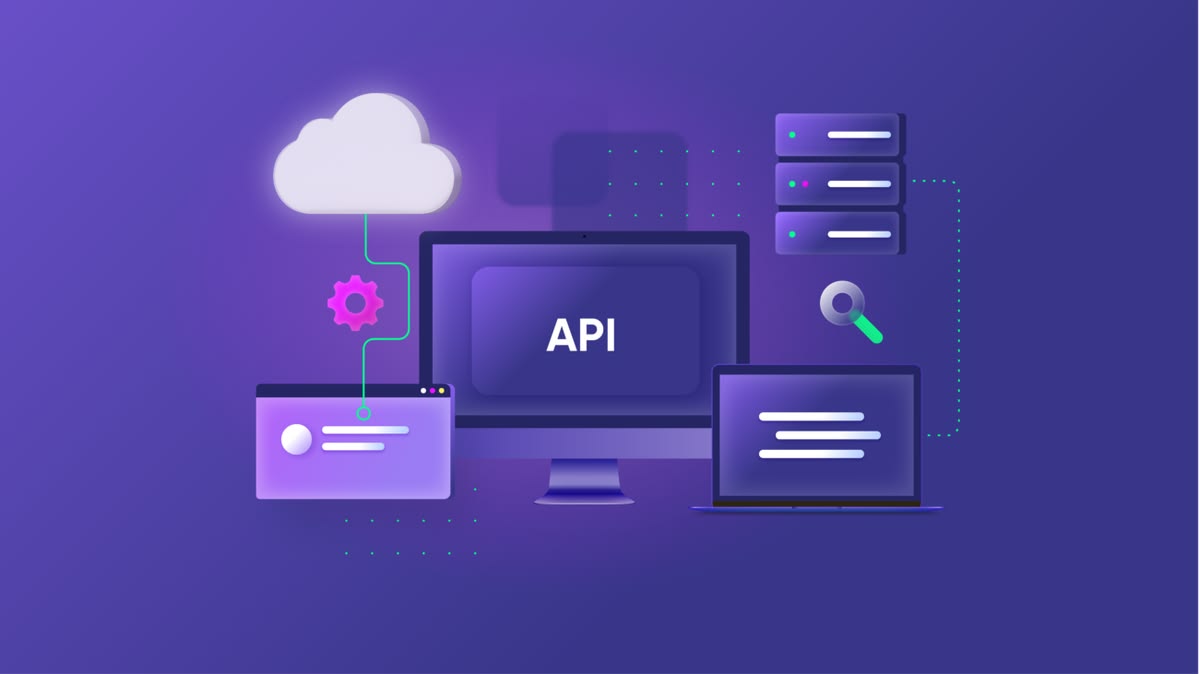
Connecting the agent to external software environments requires a robust function-calling architecture. Modern LLMs, such as GPT-4o or Claude 3.5 Sonnet, use function calling to translate natural language requests into structured JSON objects that your backend can execute. You must define a schema for every tool the agent can access.
For example, if your agent needs to check inventory, you must provide the model with a clear function signature:
- Function Name: get_inventory_status
- Parameters: product_id (string), warehouse_location (string)
- Description: Retrieves current stock levels for a specific SKU from the SQL database.
Once the model identifies that a user query requires inventory data, it will stop generating text and return the structured parameters. Your application code then intercepts this, executes the actual API call to your database or ERP system, and feeds the result back into the agent’s context window. This loop allows the agent to act as a bridge between user intent and your existing infrastructure.
When selecting tools, prioritize REST APIs with well-documented endpoints and strict rate limits to ensure the agent does not overwhelm your internal services during high-traffic periods.
Execution workflow to create an AI agent step-by-step
Building a functional AI agent requires moving beyond simple prompt-response cycles into a state-based execution model. You must define the agent's memory, its toolset, and the decision-making loop that governs how it interacts with external APIs.
Environment and framework selection
Choosing the right framework dictates your agent's scalability and ease of integration. Each major framework serves a distinct architectural need:
- LangChain: Best for building custom, modular chains where you need granular control over every step of the reasoning process. It is the industry standard for developers who want to build complex RAG (Retrieval-Augmented Generation) pipelines.
- CrewAI: Ideal for multi-agent orchestration. It excels at delegating tasks between specialized agents, such as a "Researcher" agent and a "Writer" agent, making it the top choice for complex, multi-step workflows.
- AutoGen: Developed by Microsoft, this framework focuses on conversational patterns between agents. It is highly effective for code-generation tasks where agents need to critique and refine each other's output in a loop.
For most initial projects, start with CrewAI if you require task delegation, or LangChain if you are building a single-agent interface with specific tool-calling requirements.
Prompt engineering for agent behavior
System instructions act as the agent's constitution. To prevent hallucinations and ensure adherence to constraints, use a structured format like XML or JSON within your system prompt. Define the agent's role, the specific tools available, and the required output format clearly.
Example of an effective system instruction block:
<role>Data Analyst</role>
<constraints>
<ul><li>Only use the provided 'SQL_Query' tool.</li><li>If the data is missing, return 'NULL' instead of guessing.</li><li>Always output the final answer in JSON format.</li></ul>
</constraints>
<task>Analyze the provided CSV for trends.</task>
Testing these instructions requires iterative refinement. If the agent deviates from the constraints, adjust the prompt by adding negative constraints (e.g., "Do not use external search engines") rather than just positive instructions. This approach reduces ambiguity and forces the model to stay within the defined operational boundaries.
Testing and iterative refinement
Once your AI agent is functional, you must subject it to a rigorous testing cycle before deployment. This process moves beyond simple prompt testing into systematic evaluation of the agent's decision-making logic and tool execution capabilities. Start by creating a library of 'golden test cases'—a set of input queries with known, desired outputs—that you run every time you modify the agent's system prompt or tool definitions.
Identifying failure modes in reasoning
Debugging an autonomous agent requires observing the 'thought trace'—the internal monologue the model generates before taking an action. If your agent is failing, it usually falls into one of three categories: poor task decomposition, incorrect tool selection, or hallucinated parameters.
- Infinite loops: This occurs when an agent repeatedly calls the same tool with the same arguments because it believes the task is incomplete. To fix this, implement a 'max_iterations' counter in your orchestration logic. If the agent exceeds five attempts, force a termination and trigger a human-in-the-loop review.
- Hallucination of tool arguments: Agents often guess parameters for APIs they do not fully understand. You can mitigate this by providing a strict JSON schema for tool inputs. Use libraries like Pydantic to validate the output before the code executes; if the validation fails, feed the error message back to the agent as a 'correction' prompt.
- Context window drift: As the conversation history grows, the agent may lose sight of its primary objective. Periodically summarize the conversation history or prune irrelevant tool outputs to keep the agent focused on the core task.
Perform 'red teaming' by intentionally feeding the agent ambiguous or malicious inputs. Observe how it handles errors. Does it gracefully inform the user that it cannot complete the task, or does it attempt to execute code that might crash the system? A robust agent should prioritize safety and clarity over blindly attempting to fulfill a request.
Track these failure modes in a spreadsheet to identify patterns in the model's reasoning errors, which will inform whether you need to adjust your system instructions or provide more granular examples in your few-shot prompting.
Operational constraints and security risks
Deploying autonomous agents introduces significant technical and security overhead. Unlike static scripts, AI agents operate within non-deterministic environments where a single prompt injection or an infinite loop can lead to catastrophic failures or runaway cloud costs. Before moving to production, you must implement strict guardrails that limit the agent's scope of action and resource consumption.
Managing token costs and latency
Optimizing agent efficiency for production environments requires a shift from prototyping to rigorous resource management. Every step an agent takes consumes tokens, and recursive reasoning loops can deplete your API budget in minutes. To mitigate this, implement a hard limit on the number of iterations an agent can perform per task using a max_iterations parameter in your orchestration framework, such as LangGraph or CrewAI.
Latency is another critical bottleneck. Large Language Models (LLMs) are inherently slow, and chaining multiple calls compounds this delay. To improve performance:
- Cache common queries: Use tools like Redis or GPTCache to store responses for repetitive inputs, bypassing the LLM entirely for known patterns.
- Model routing: Use a smaller, faster model (e.g., GPT-4o-mini or Claude 3 Haiku) for simple classification or routing tasks, reserving expensive, high-reasoning models only for complex, multi-step logic.
- Streaming responses: Implement server-sent events (SSE) to display agent progress to the user in real-time, which improves perceived latency even if the total processing time remains identical.
Security risks center on prompt injection and unauthorized tool execution. Never grant an agent broad access to your production database or internal APIs. Instead, use the principle of least privilege: create dedicated API keys with read-only access or limited scopes specifically for the agent.
Always sanitize inputs and outputs to prevent the agent from executing malicious code or leaking sensitive system instructions. If your agent interacts with external websites, use a sandbox environment like E2B or Piston to ensure that any code execution is isolated from your primary infrastructure.
Frequently Asked Questions
What is the core difference between a chatbot and an AI agent?
A chatbot is designed for conversational output based on input, whereas an AI agent is designed to execute tasks autonomously by using tools, accessing external data, and iterating through reasoning steps to reach a goal.
Essential tools to create an AI agent step-by-step
Essential tools include an LLM provider (like OpenAI or Anthropic), an orchestration framework (such as LangChain or CrewAI), a vector database for memory (like Pinecone or Chroma), and specific APIs for the agent to perform actions.

