
.webp)
.png)
Account security and identity verification requirements: BingX tutorial for beginners
Before executing your first trade, you must secure your BingX account and complete the mandatory identity verification process. BingX requires users to verify their identity to comply with global anti-money laundering (AML) and know-your-customer (KYC) regulations.
Failing to complete these steps will severely limit your withdrawal capabilities and restrict access to advanced trading features. If you are new to the ecosystem, understanding the BingX crypto exchange review is a great way to grasp the platform's operational standards.
Mandatory KYC levels — Distinguishing between basic and advanced identity verification tiers
BingX categorizes verification into two primary tiers, each dictating your daily withdrawal limits and trading permissions. The Basic Verification tier requires only your full name, date of birth, and nationality. While this level allows for limited platform interaction, it is insufficient for active traders who intend to move significant volume.

Advanced Verification is the standard for most users. You must upload a government-issued identification document—such as a passport, national ID card, or driver’s license—and perform a facial recognition scan via the BingX mobile app. Completing this tier unlocks higher daily withdrawal limits, typically up to $5,000,000 USD, and grants access to P2P trading markets. We recommend finishing this process immediately after registration to avoid service interruptions during high-volatility market events.
Enabling two-factor authentication — Securing the account with Google Authenticator or SMS verification
Securing your account goes beyond a strong password. You must enable two-factor authentication (2FA) to protect your assets from unauthorized access. BingX supports both Google Authenticator and SMS verification, though Google Authenticator is significantly more secure as it is not susceptible to SIM-swapping attacks. For a deeper dive into platform safety, you can explore BingX security features explained to ensure your account remains impenetrable.
To set this up, navigate to the 'Security Center' in your account settings. Download the Google Authenticator app on your mobile device, scan the QR code provided by BingX, and enter the six-digit code generated by the app. Once enabled, you will be required to input this rotating code every time you log in or initiate a withdrawal. If you lose access to your device, ensure you save the provided backup recovery key in a secure, offline location, as this is the only way to regain access to your account without contacting BingX support.
Funding the BingX trading account
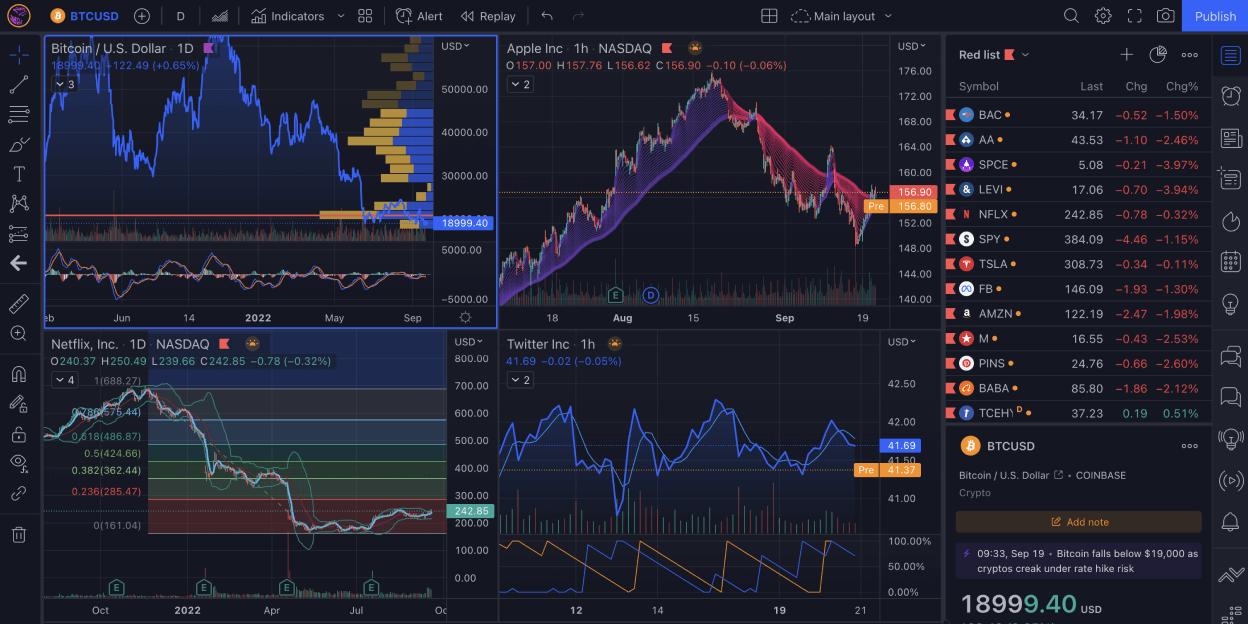
Before executing trades, you must deposit assets into your BingX trading account. The platform supports two primary methods for funding: direct on-chain transfers and the peer-to-peer (P2P) marketplace. Choosing the right method depends on your current holdings and preferred payment speed.
On-chain deposits — Transferring crypto assets from external wallets using specific network protocols
To deposit existing cryptocurrency, navigate to the 'Assets' tab and select 'Deposit'. You must choose the specific coin, such as USDT or BTC, and the corresponding network protocol. Selecting the wrong network—for example, sending ERC-20 tokens to a BEP-20 address—will result in a permanent loss of funds. If you encounter any issues during this process, refer to our guide on How to deposit crypto on BingX to troubleshoot common errors.
Once you select the network, BingX generates a unique wallet address. Copy this address into the 'Withdraw' section of your external wallet or exchange. Most transactions confirm within 5 to 30 minutes, depending on network congestion. Always verify the first and last four characters of the address before confirming the transaction to ensure accuracy.
P2P marketplace mechanics — Buying crypto directly from other users using local fiat currencies
If you do not own supported cryptocurrencies, the P2P marketplace allows you to purchase assets using local fiat currency via bank transfers, digital wallets, or regional payment apps. This feature acts as an escrow service where BingX holds the seller's crypto until you confirm receipt of the funds.
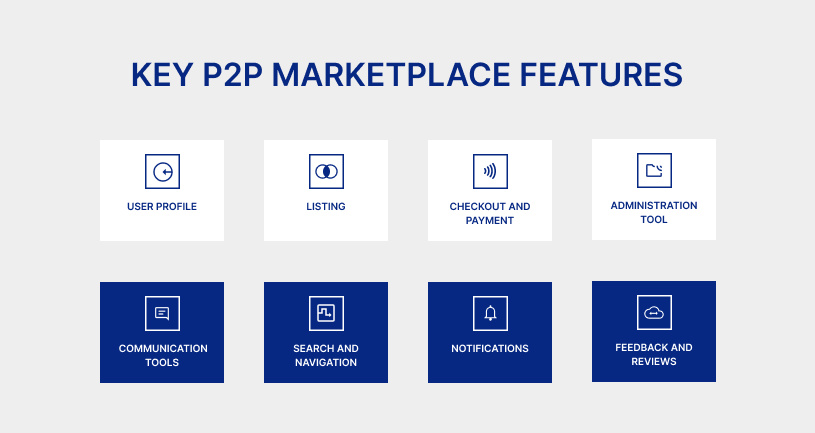
To begin, select the 'Buy Crypto' option and choose 'P2P Trading'. Filter the list by your local currency and preferred payment method. When selecting a merchant, prioritize those with a high completion rate (95% or higher) and a significant number of total orders. After placing an order, you must transfer the exact fiat amount to the seller's provided bank details. Once the transfer is complete, click 'Transferred, notify seller'. The seller then releases the crypto into your BingX funding account. Avoid communicating outside of the official BingX chat interface to ensure your transaction remains protected by the platform's dispute resolution process.
Executing spot and derivatives trades
Once your account is funded, BingX provides two primary interfaces: the Spot market for direct asset ownership and the Perpetual Futures market for leveraged speculation. Navigating these requires understanding how order execution impacts your entry price and risk exposure.
Spot market order types
Spot trading on BingX involves buying or selling actual crypto assets. You can control your execution through three primary order types:
- Market Order: Executes instantly at the best available current price. Use this when speed is your priority, but be aware of slippage in low-liquidity pairs.
- Limit Order: Allows you to set a specific price at which you are willing to buy or sell. The order only executes if the market reaches your target. This is the preferred method for avoiding slippage and entering positions at technical support or resistance levels.
- Trigger Order: Acts as a conditional instruction. You set a trigger price; once the market hits that price, your order is placed on the book. This is useful for momentum trading or entering a position only after a breakout occurs.
Perpetual futures mechanics
Perpetual futures allow you to trade price movements without owning the underlying asset. Unlike spot trading, these positions involve leverage and margin, which significantly amplify both potential gains and losses.
Leverage acts as a multiplier. For example, using 10x leverage means a 1% move in the asset price results in a 10% change in your position value. While this increases buying power, it also brings your liquidation price closer to your entry price. If the market moves against you beyond your maintenance margin threshold, the exchange will automatically close your position to cover losses.
Margin is the collateral you lock up to open a trade. BingX uses two margin modes: Isolated Margin, where only the funds allocated to a specific trade are at risk, and Cross Margin, where the entire balance of your futures account acts as collateral. Beginners should prioritize Isolated Margin to prevent a single bad trade from draining their entire wallet balance.
Always check the 'Funding Rate' displayed on the trading interface. This fee is paid between traders every eight hours to keep the futures price anchored to the spot price. If the rate is positive, long position holders pay short holders; if negative, short holders pay long holders.
Risk management tools for new traders
Trading on BingX involves inherent market volatility, making risk management the most critical skill for capital preservation. Beginners often focus exclusively on potential gains, but professional traders prioritize the maximum loss they are willing to accept on any single position.
BingX provides integrated tools within the order entry interface to enforce discipline and remove emotional decision-making from your workflow.
Setting stop-loss and take-profit parameters
Automating exit strategies is the primary method to mitigate potential losses. When you place a trade, you should define your exit points before the order is executed. A stop-loss order acts as a safety net, automatically closing your position if the price moves against your analysis by a specific percentage or dollar amount. This prevents a minor dip from turning into a catastrophic account drawdown.
Conversely, a take-profit order locks in gains once your target price is reached. To set these on BingX:
- Navigate to the 'Trade' tab and select your preferred trading pair.
- Choose either 'Limit' or 'Market' order types.
- Locate the 'TP/SL' checkbox in the order entry panel.
- Input your target price for 'Take Profit' and your exit price for 'Stop Loss'.
- Review the estimated profit or loss displayed by the platform before confirming the order.
Using these features ensures that your trade is managed even if you are away from your screen. For new traders, a common rule of thumb is the 1:2 risk-to-reward ratio. This means for every dollar you risk via a stop-loss, you aim for two dollars in profit via a take-profit.
By consistently applying these parameters, you protect your principal balance while allowing your winning trades to compound over time. Always verify that your stop-loss is placed outside of normal market noise—such as standard daily volatility—to avoid being stopped out prematurely by minor price fluctuations.
Operational limitations and platform risks
Trading on BingX requires an understanding of the platform's specific risk profile and operational constraints. Like any centralized exchange, BingX functions as an intermediary, meaning users do not hold direct custody of their private keys while assets remain in the platform's wallet.
Users should prioritize enabling two-factor authentication (2FA) via Google Authenticator and setting up anti-phishing codes to mitigate unauthorized access risks.

Liquidity and slippage considerations
Market orders on BingX execute against the available order book. During periods of low volume or high market volatility, the depth of the order book may be insufficient to fill large orders at the current displayed price. This leads to slippage, where the final execution price deviates significantly from the price seen at the moment of order placement.
To manage this risk, beginners should utilize limit orders instead of market orders whenever possible. A limit order allows you to specify the exact price you are willing to accept, ensuring you never pay more or receive less than your target. If you must use market orders, check the order book depth—visible on the right side of the trading interface—to ensure there is enough liquidity to support your trade size without causing excessive price impact.
Geographic and regulatory constraints
BingX maintains specific operational policies regarding supported jurisdictions. Users must verify their account status through the Identity Verification (KYC) process to access full platform features, including higher withdrawal limits and advanced derivative products.
Failure to comply with regional restrictions can result in account suspension or the freezing of assets. Always consult the official BingX support center for the most current list of restricted regions, as these policies are subject to change based on evolving international financial regulations.
Finally, remember that copy trading and leveraged positions carry inherent risks of rapid capital loss. Never allocate funds to these features that you cannot afford to lose entirely. Start with small, test positions to understand how the platform handles margin calls and liquidation thresholds before committing significant capital. If you are interested in automated strategies, you might also want to check out our BingX copy trading review to see if it aligns with your risk tolerance.
Frequently Asked Questions
Mandatory identity verification status on BingX
Yes, completing KYC (Know Your Customer) verification is required to access most features, including higher withdrawal limits and full participation in trading services.
Operational distinctions between BingX and other centralized exchanges
BingX distinguishes itself through its integrated social trading features, allowing users to copy the strategies of experienced traders, alongside standard spot and derivatives trading. For those looking to maximize their initial experience, don't forget to look for any available BingX sign up bonus and promotions before you start trading.

